
MTG Explained: Controls and Controller Setup
Virtual MX's official walkthrough explaining dual-stick bike/rider separation, throttle control, and controller setup philosophy.
Watch on YouTube ↗Dial out initial stick twitchiness, check whether Inverted Lean matches your counter-steering instinct, and configure First-Person FOV and solo respawn markers.
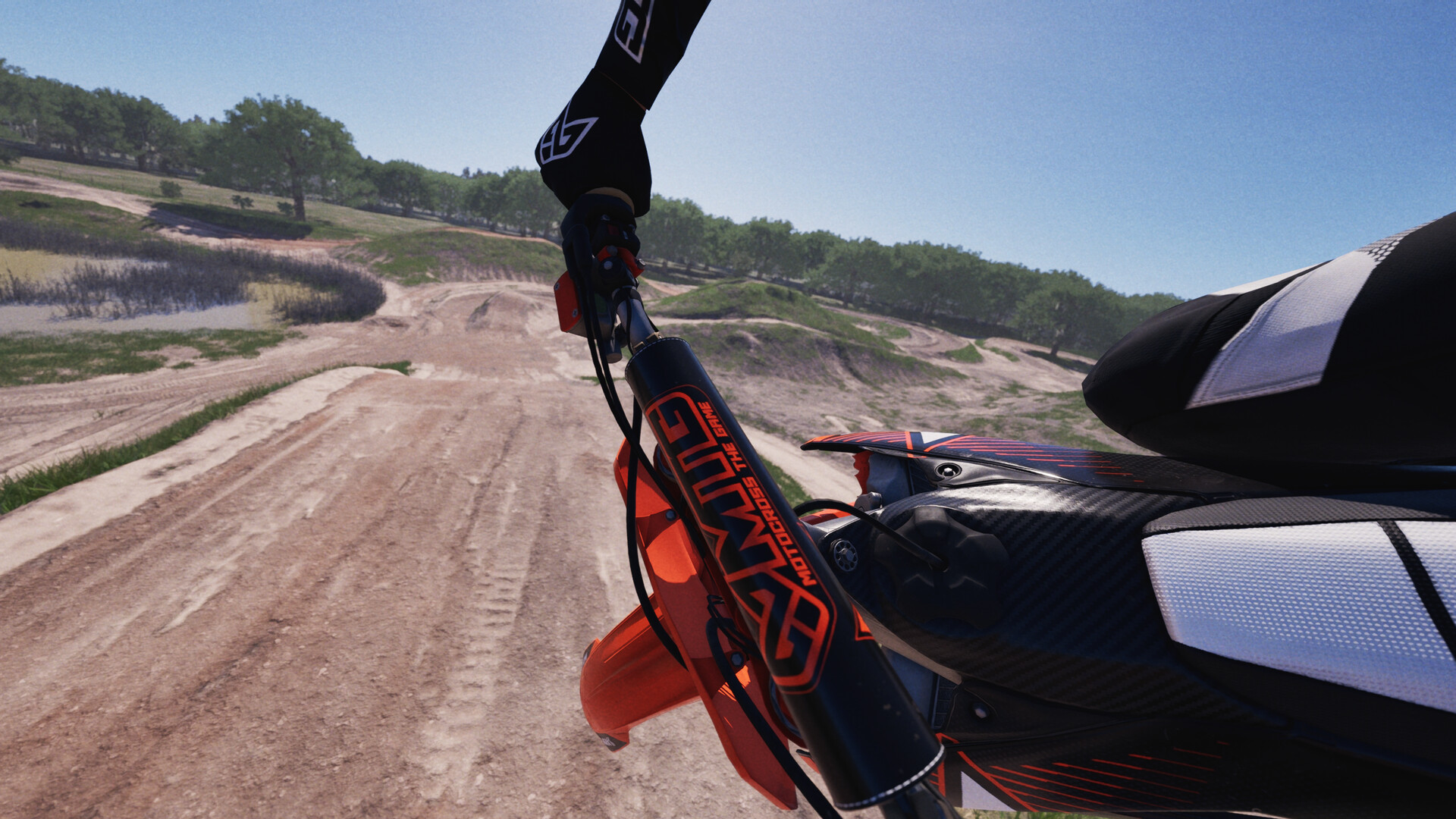 UE 5.7 · Virtual MX Studios
Early testers report that lowering Steering Gain and adjusting Sensitivity/Deadzone on Estrella MX quickly calms twitchy inputs, while toggling Lean Direction to Inverted fixes counter-intuitive cornering for many riders. First-Person FOV sits under Settings > Camera, and holding Respawn for 3 seconds sets a custom solo practice marker.
Unlike racing wheel hardware in car sims, thumbsticks compress full handlebar counter-steer and rider weight shifts into a tiny millimeter throw. Out of the box, several r/MotocrossTheGame players noticed sudden tip-ins or perceived steering lag until tuning Gain and Sensitivity downward.
There is no single developer-certified best number because pad wear, thumbstick height, and controller deadzone vary. Treat community advice as a starting calibration loop on Estrella MX rather than an immutable preset.
Virtual MX Studios confirms adjustable Gain, Sensitivity, Deadzone, and assists in Settings, while specific numeric presets come from player testing on r/MotocrossTheGame—test changes one slider at a time.
Because Motocross The Game models rider weight separately from bike steering, moving the right stick can feel reversed depending on whether you expect your thumb to push the bike's seat or shift the rider's torso directly.
Players in the Nov 17 launch thread confirmed a dedicated menu toggle to switch Lean Direction between standard and inverted. If your bike stands up unexpectedly mid-berm or dives opposite to your thumb input, flip this toggle immediately during a practice session.
Following July and September 2026 physics/camera updates, Settings > Camera exposes a First-Person FOV slider alongside camera distance, height, side offset, and corner anticipation / rider gaze tracking. First-person riders often report feeling faster and cleaner through ruts, though helmet-cam perspective can disguise extreme chassis lean angles—use Replay Mode periodically to check if you are tucking the front end.
In single-player practice, November community patch notes confirmed the crash respawn timer was removed and holding the Respawn button for 3 seconds drops a custom reset marker anywhere on track. Keep in mind that crashing still invalidates the active Time-Attack leaderboard lap.
Virtual MX's official walkthrough explaining dual-stick bike/rider separation, throttle control, and controller setup philosophy.
Watch on YouTube ↗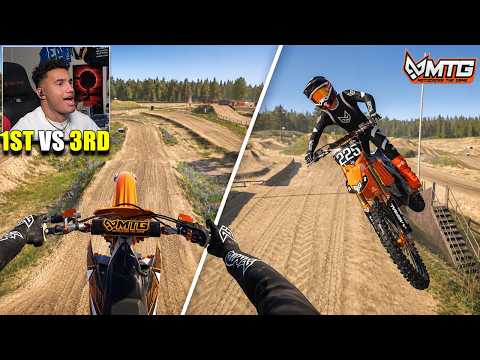
Head-to-head lap consistency comparison testing first-person helmet cam vs chase cam on Estrella MX and Rödeby.
Watch on YouTube ↗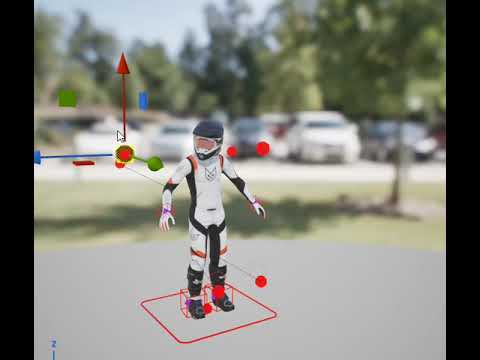
Short official demonstration of rider head-tracking and corner anticipation gaze behavior inside Unreal Engine 5.
Watch on YouTube ↗